Fast handwritten memo app
Quick Memo
Draw on your screen instantly via notification bar or Quick Settings tile!
Get it on Google Play
In development
- 1M+ downloads
- Google Play
- Tools app
- Android
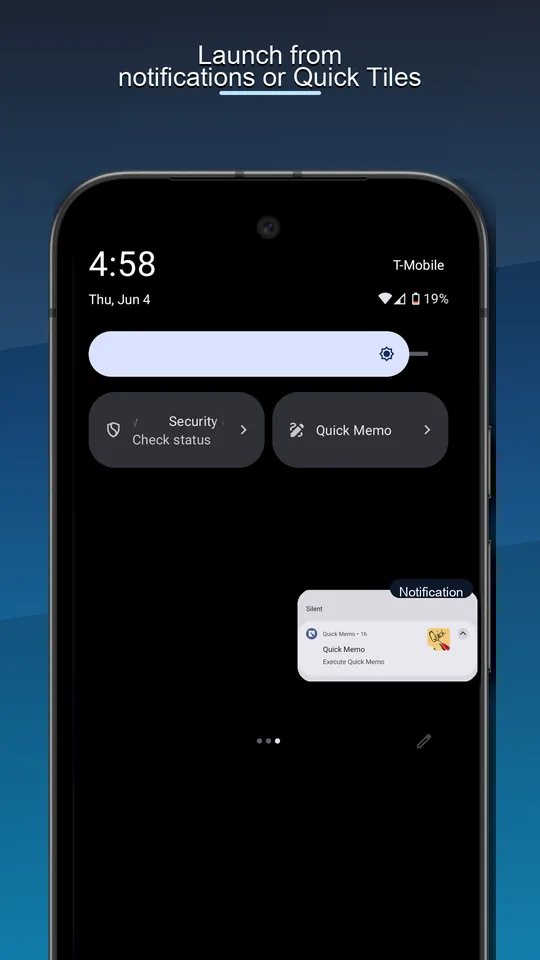
- Quick Settings launch
- Notification
Features
Capture the moment before it disappears
Quick Memo opens from notification or Quick Settings, then lets you draw directly over the screen you are seeing.
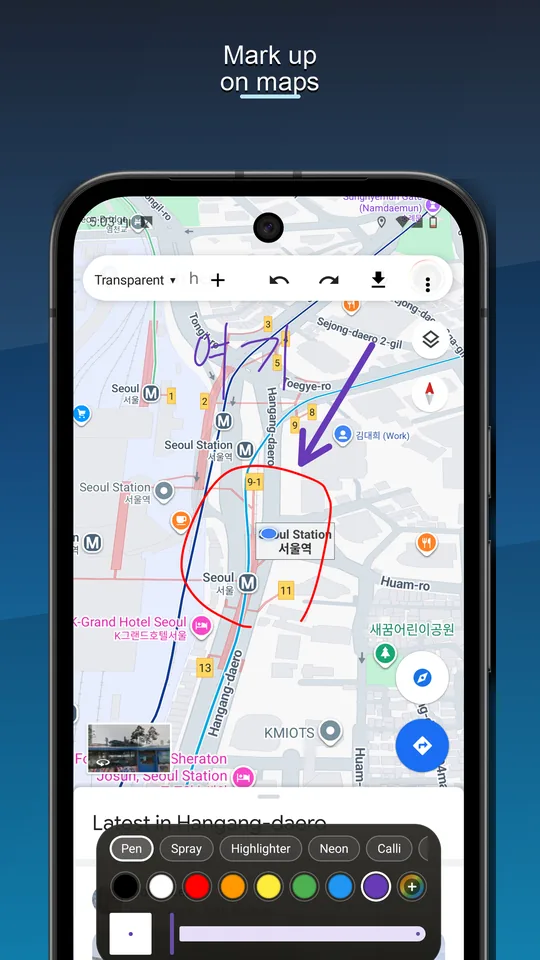
Mark up maps
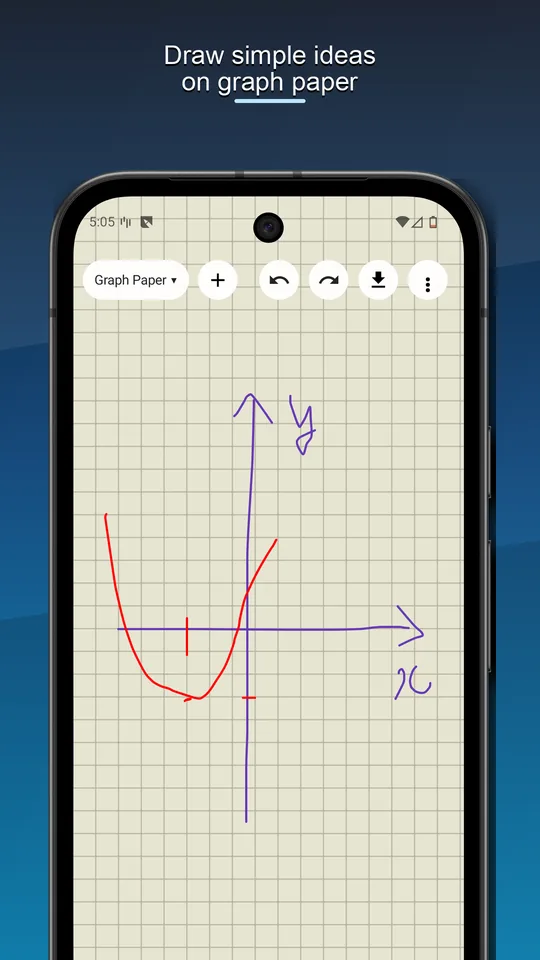
Draw on graph paper
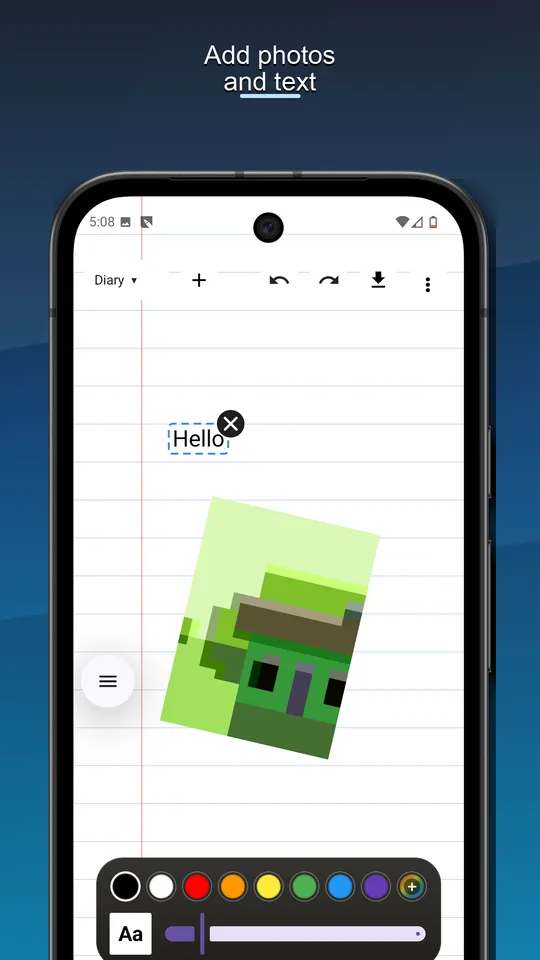
Add photos and text
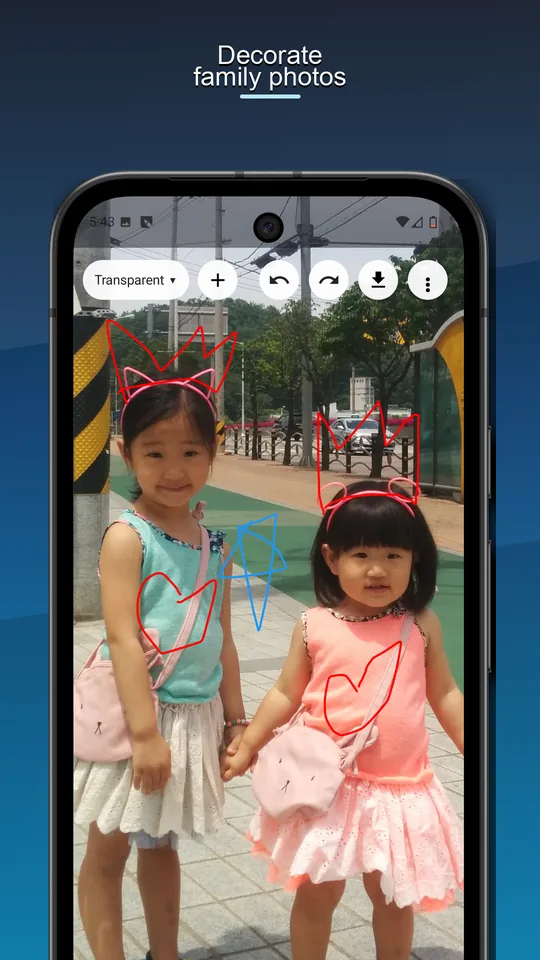
Decorate family photos
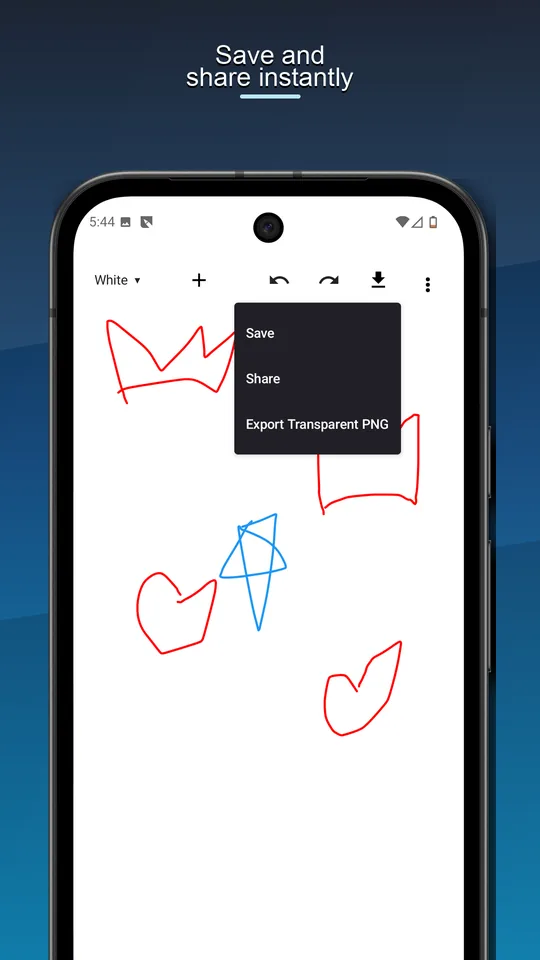
Save and share instantly
Screenshots
Real app screens
The landing page uses current Play Store screenshots so the page matches what users install.
Details
Made for quick visual notes
Quick Memo is a fast handwritten memo app that lets you write or sketch ideas instantly on top of your screen.
Open the app and start drawing right away with simple pen tools, eraser controls, background styles, text, shapes, image loading, and save or share options.
Premium features unlock text tools, shape tools, and image attachment features.
Optional premium tools
Text tools, shape tools, and image attachments are available as premium features.
Features
- Start the app instantly from the notification bar or Quick Settings tile.
- Write or draw directly on the screen you see right now.
- Double-tap the pen tool to customize pen settings.
- Double-tap the eraser tool to adjust eraser options.
- Save your memos and easily share them with friends.